Configure
Choose the screen, setting, format and required tasks.
 Start a build ↗
Start with the screen. Choose where it lives. Then combine the enclosure, hardware and tasks into one purpose-built system.
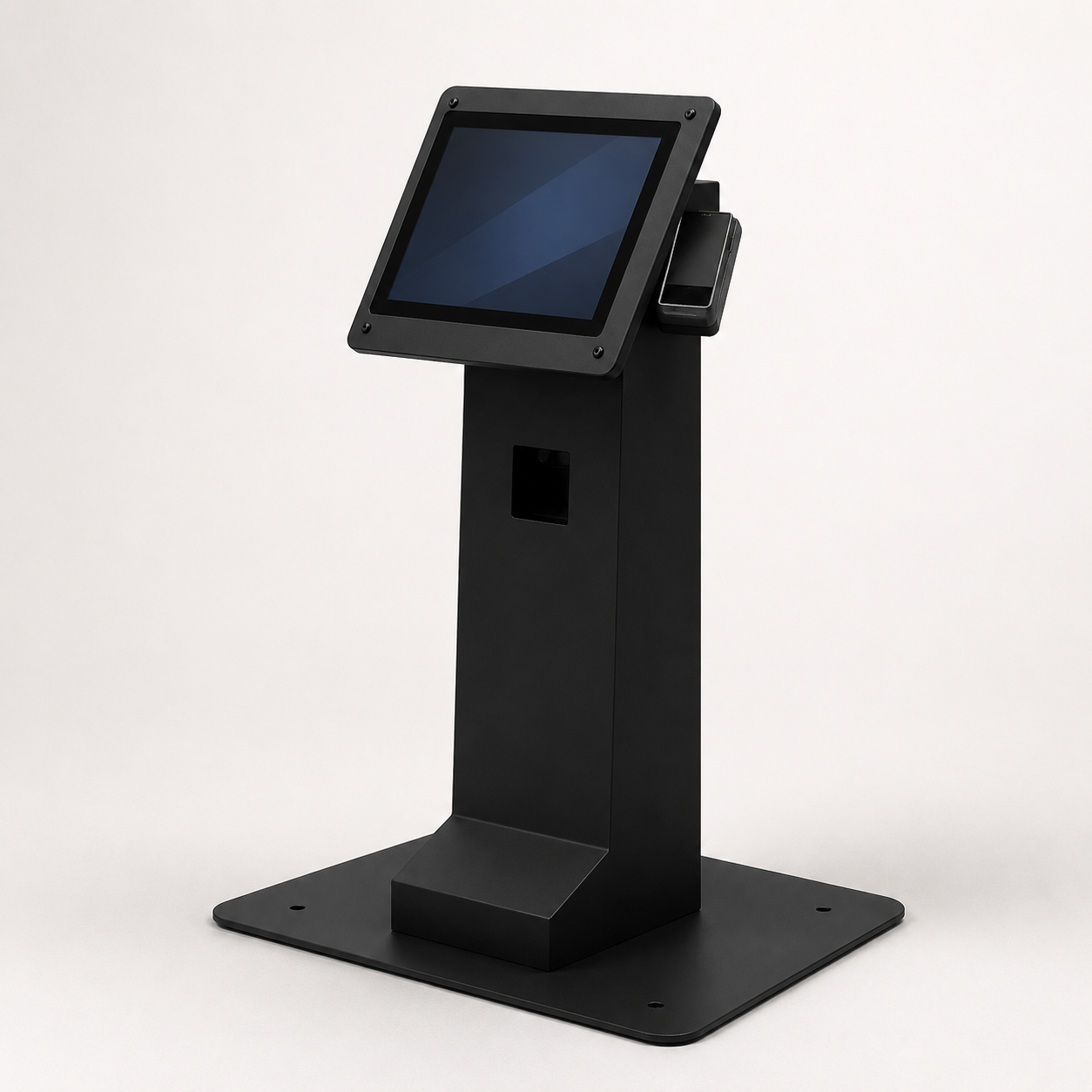
Every format uses the same configurable hardware platform. Change the footprint without rebuilding the product from scratch.
Make four decisions. We use them to define the enclosure, electronics and integration package.
Select the interaction type first, then the commercial display size.
This defines brightness, sealing and environmental protection.
Pick the enclosure that fits the space and customer journey.
Select everything this kiosk needs to do. Multiple choices are encouraged.
No payment required. Final hardware and certification requirements are reviewed before quoting.
A straightforward path from idea to a serviceable, repeatable kiosk product.
Choose the screen, setting, format and required tasks.
We define the enclosure, components, power and software package.
Your first unit is assembled, tested and refined around the workflow.
Approved production units are built, delivered and supported.